What an animated border is
Your character sits in a frame around every GIF you send. It does not just sit there. It has 6 reactions: Sad, Funny, Proud, Angry, Happy and Upset. When the chat feels that way, the character plays that reaction, and both of you see it.
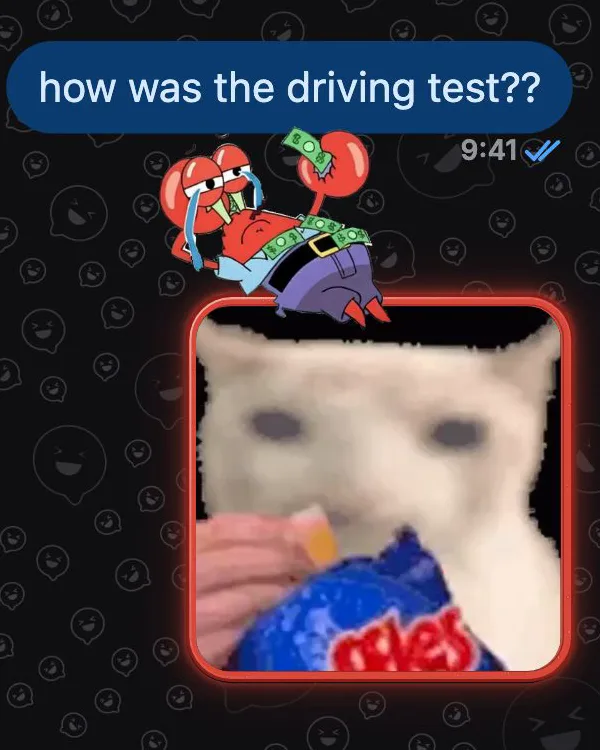
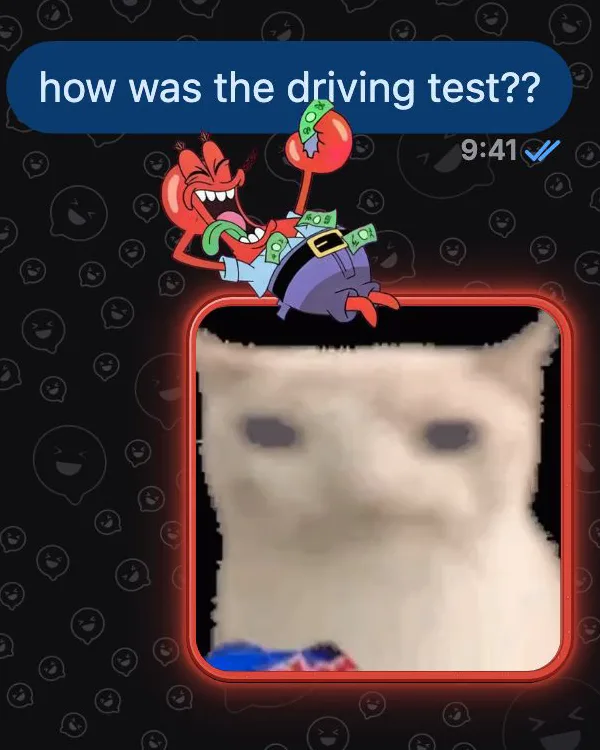
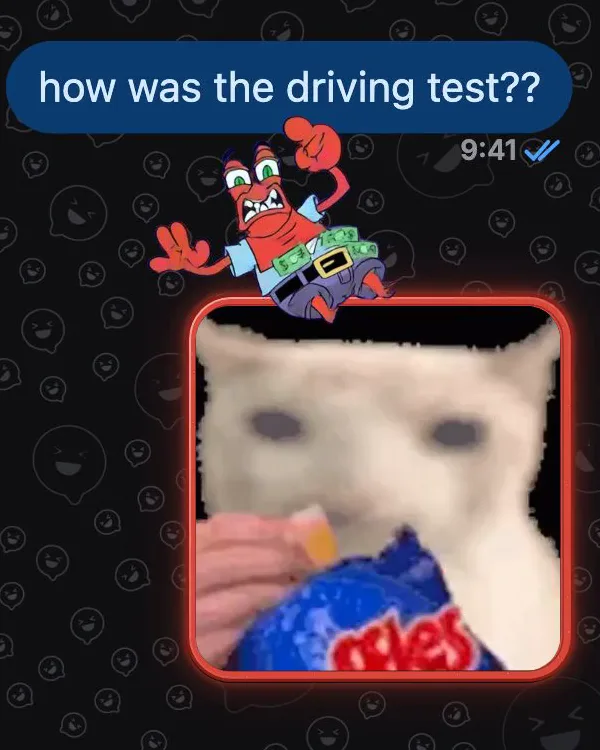
Make one in 3 steps
In the GifChat app, open Create and tap Make an animated border.
- Pick a photo of your character.
- The AI cuts it out and designs a frame around it.
- Tap Animate your character. It costs $2.99.
Touch it up
Clean the cutout with the eraser, or bring parts back with restore. Drag and resize the character until it sits right on the frame, and add a glow if you want it to stand out.
Share it, find more
Share your border to Community so others can use it. Looking for one? Search by name, or tap a #hashtag to see every border with it.
A short honest note
Some pictures can only be partly animated, so you may get fewer than 6 reactions. Missing ones can be retried free.
Make yours in the GifChat app
Download on the App StoreAnimated borders, $2.99 each Scan with your iPhone camera